Updated 2026 | by Azam Malik
🟢 TL;DR Quick Answer
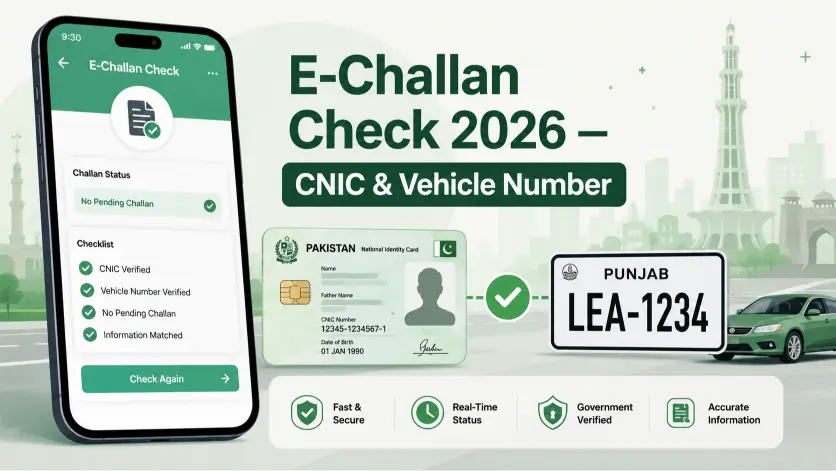
No — on Punjab and Islamabad’s portals, your vehicle registration number alone is enough to check an e-challan. You don’t need to enter your CNIC anywhere unless the portal specifically asks for it as a secondary field, which happens occasionally in Sindh. If you’re checking a vehicle before buying it, or you’d simply rather not share your national ID number to look up one fine, you can skip that field entirely.
The Short Answer, By Province
| Province | Is CNIC Required? |
|---|---|
| Punjab (PSCA) | No — vehicle number alone is normally enough |
| Islamabad (ITP) | No — vehicle number or challan number both work |
| Sindh | Sometimes — the system occasionally asks for it to confirm a match |
For the full step-by-step check process, current fine amounts, and payment methods, use our complete e-challan check by CNIC and vehicle number guide — this page exists to answer one specific question people have before they even get to that guide: do I actually have to provide my CNIC?
Why This Question Comes Up So Often
A lot of people hesitate before checking an e-challan online simply because they assume it requires typing in their national identity number somewhere — and understandably, most people are cautious about entering a CNIC on any website. The honest answer is that for a basic single-vehicle check, you almost never need to.
There are two situations where this genuinely matters:
You’re checking a vehicle that isn’t yours. If you’re about to buy a used car or motorcycle and want to check for pending fines before agreeing on a price, you won’t have the seller’s CNIC anyway — and you don’t need it. Vehicle registration and challan status are public government records, not private account data tied to a login.
You’d rather not enter your own CNIC for a quick check. That’s a completely reasonable instinct. The vehicle number field alone pulls up everything tied to that specific plate.
When CNIC Actually Helps
CNIC search isn’t pointless — it does one thing vehicle-number search can’t: it shows you every vehicle registered under one identity at once, rather than just the one plate you searched. If you own multiple vehicles and want a full picture in one search, or you’re verifying that a seller’s CNIC genuinely matches the vehicle’s registered owner, that’s when the CNIC field is the better tool. Our full guide covers exactly how that search works.
Frequently Asked Questions
Is it safe to enter my vehicle number without a CNIC on these portals?
Yes. Vehicle registration and challan data are public records on official government portals — searching by plate number alone doesn’t expose any private information about you.
Can I check a vehicle that isn’t registered to me?
Yes, and you don’t need the owner’s CNIC to do it. This is one of the most common reasons people specifically look for a CNIC-free check — verifying a vehicle before a purchase.
Why does the Sindh portal sometimes ask for CNIC when Punjab doesn’t?
The systems are built and maintained independently by each province, so search requirements aren’t identical. Sindh’s portal occasionally needs both fields to return an accurate match.
If I don’t want to enter my CNIC, will I miss any information?
No — a vehicle-number-only search shows everything tied to that specific plate. You’d only be missing results for other vehicles under the same owner, which isn’t relevant if you’re checking one specific vehicle.
Conclusion
For almost every practical situation — checking your own vehicle, or checking one before you buy it — your vehicle registration number alone is all you need. CNIC only becomes useful when you specifically want to see every vehicle tied to one identity. For the actual step-by-step process, fine amounts, and payment options, head to our complete e-challan check guide.
Disclaimer: eChallanPak.com is not affiliated with PSCA, Punjab Safe Cities Authority, or any government department. This guide is for informational purposes only.

Azam Malik is the founder of echallanpak.com, a platform dedicated to helping users in Pakistan check their traffic e-challan quickly and easily. He focuses on building simple, user-friendly online tools and guides that make government-related processes more accessible to the public.
With a strong interest in web development and digital solutions, Azam Malik ensures that all content on the site is clear, accurate, and regularly updated for a better user experience.
Note: echallanpak.com is an independent informational website and is not affiliated with any government authority.